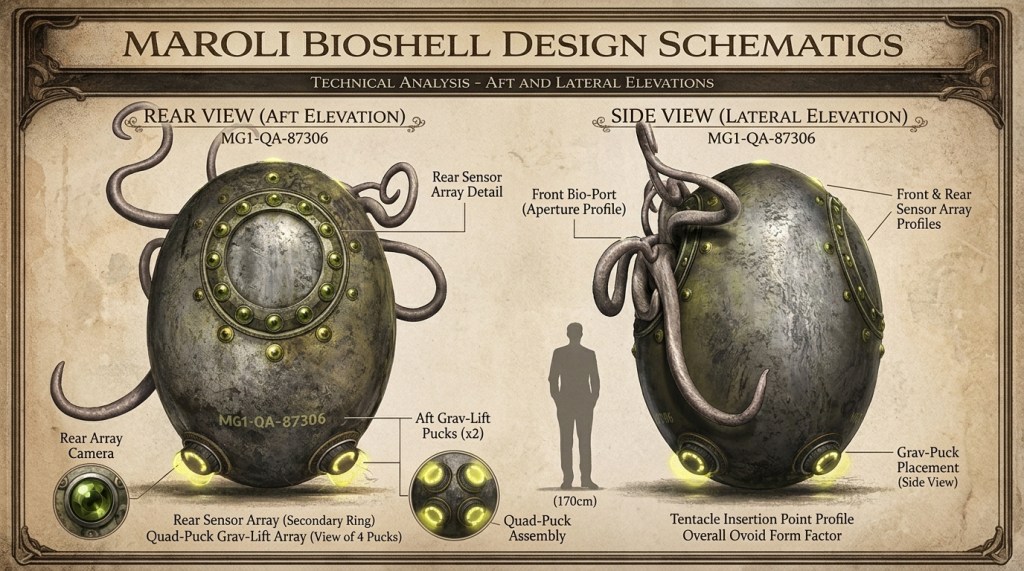
Let’s Make a Music Video ~ Step 5

Publish the work to an elite audience for feedback.

I am about ten hours in on this project, not counting a year’s worth of collaboration with ChatGPT — a deep well without which I could not have made this.

Chatty knows the book. All I had to do was select illustrations. The storyboard is AI, all the way. I did not follow it to the letter, but it was good enough that I could have.

Storyboard v1 — 3:07, vertical 9:16

The timestamps are editorial targets, not frame-accurate musical cuts yet. In Resolve, I would slide the cuts a few frames either way to land on drums, keyboard accents, and phrase changes.

TimeSource fileTreatment in 9:16Purpose
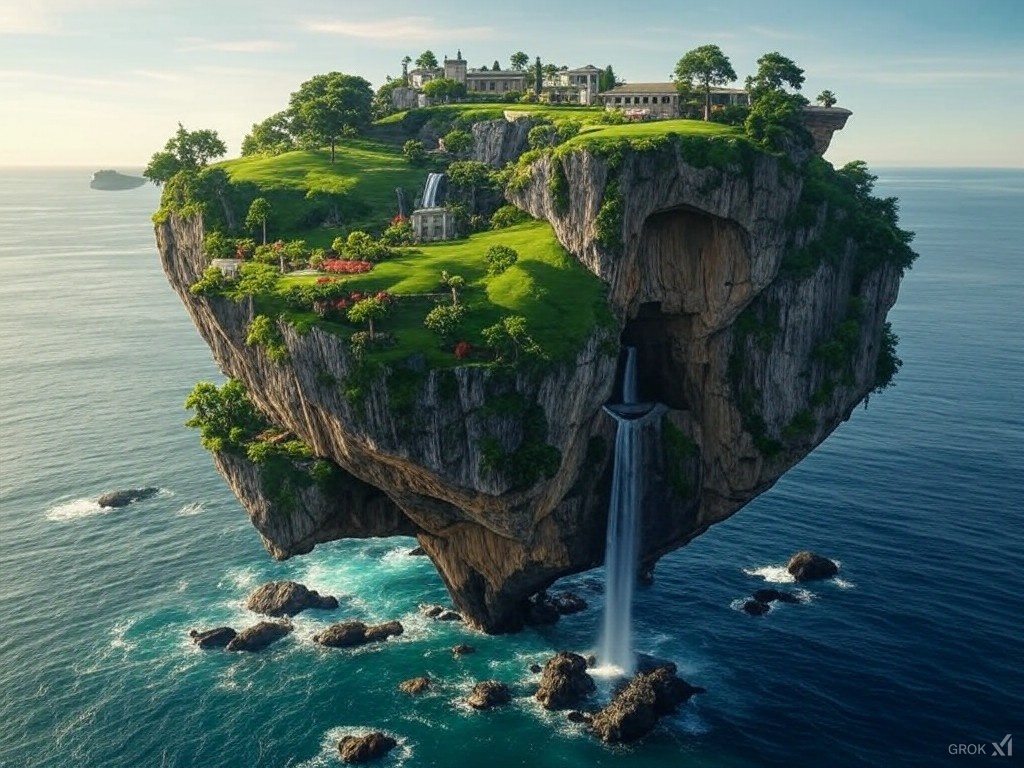
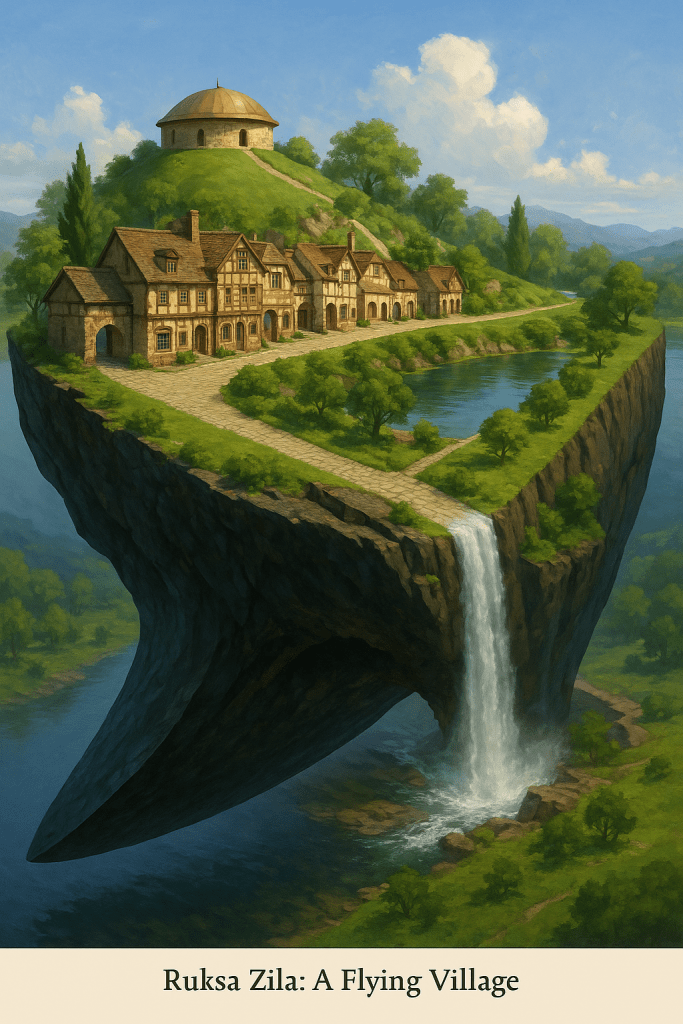
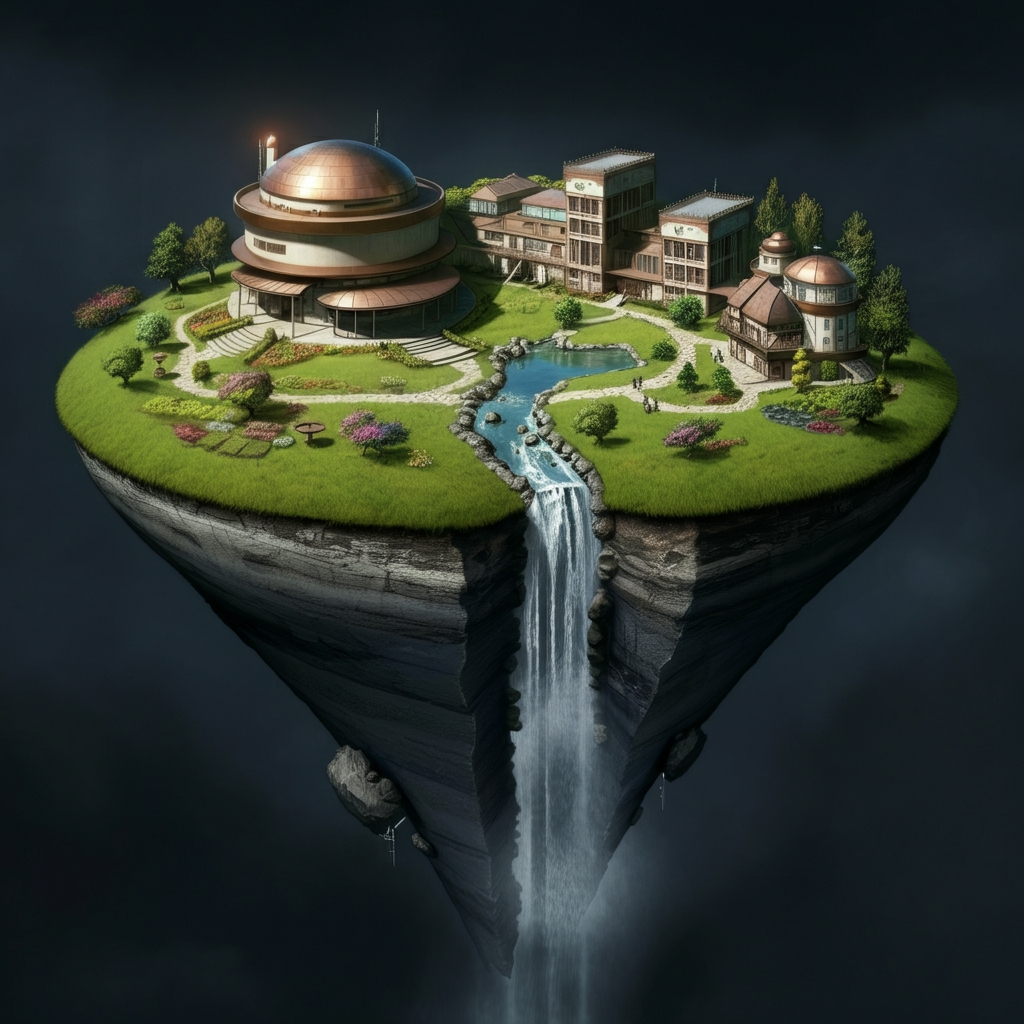
0:00–0:04Seedance 2.mp4Full motion; center waterfall and underside of islandImmediate WTF hook. Don’t begin like an advertisement.
0:04–0:087a.pngSlow push toward Anye + Maroli + young manEstablish what kind of universe this is
0:08–0:122a(3).pngPush from joined hands toward Carmen/Brandon facesFirst romantic statement
0:12–0:16Floating_island_mansion_drifts_o…_202608301805.mp4Motion; crop around estateWonder / scale
0:16–0:2017(2).pngPan left-to-right: RZ craft → Carmen/BrandonRomance embedded in SF
0:20–0:249(6).pngPush toward young couple; let “Gravity is ON” remain visible initiallyPlayfulness
0:24–0:28kling_20260301_Image_to_Video_The_furry__5394_0.mp4Use strongest 4 secAlien/human affection; charmingly strange
0:28–0:31106.pngFast push toward girl’s expression/dogComic beat
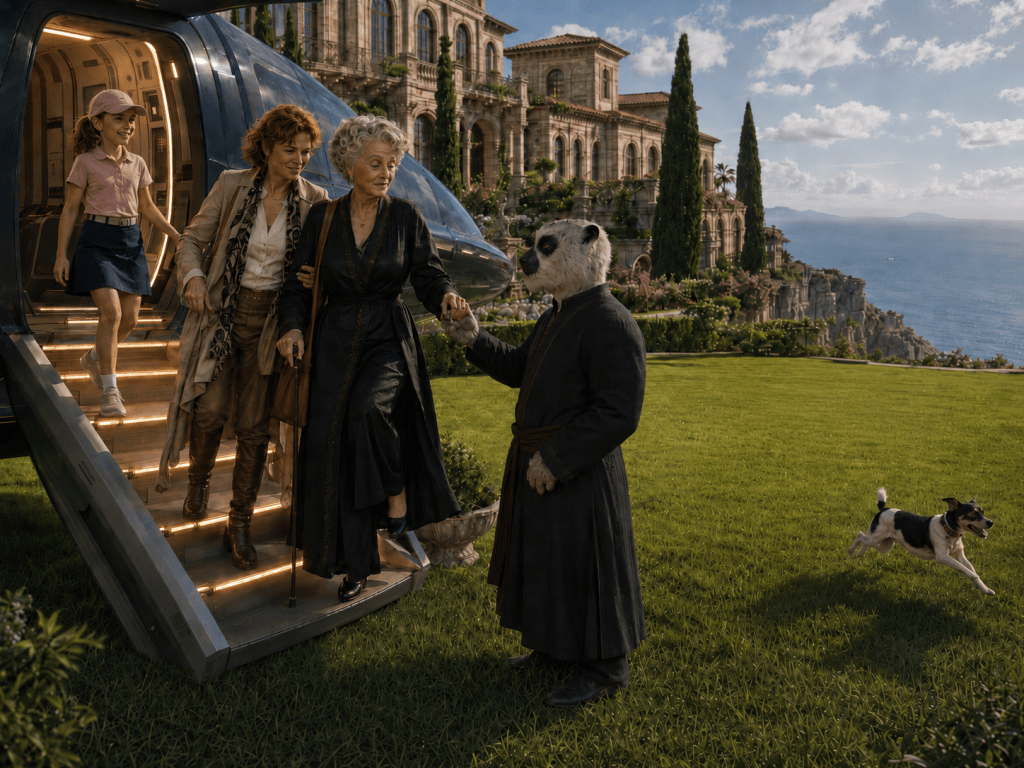
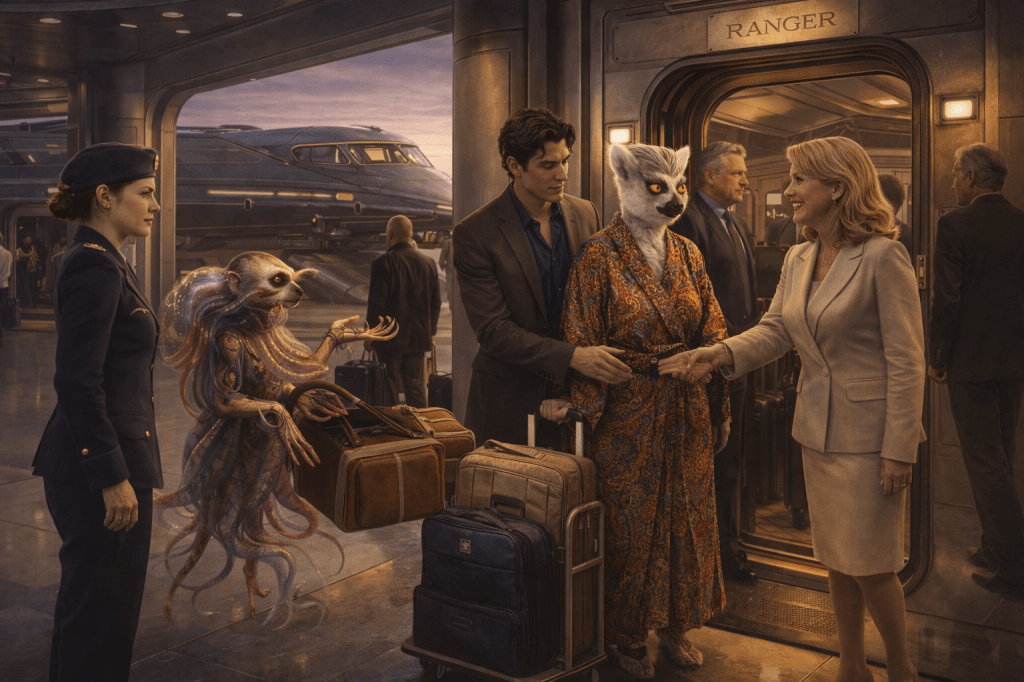
0:31–0:3520(2).pngPan aircraft ramp → arrivals → alien greeterFamily/worldbuilding
0:35–0:39f8614edd40c5.mp4 around 33.7–37.7Use walking exterior materialFirst substantial live-motion lift
0:39–0:4446(3).pngPan young couple → Carmen/BrandonGenerational match: two romances, one world
0:44–0:49120.pngSlow push toward ring and facesRomantic escalation
0:49–0:53140(20260830-020614).pngStart slightly wider; push into kissFirst payoff
0:53–0:5760(2).pngGentle upward push from hand/tie to facesDomestic intimacy
0:57–1:0157(3).pngVery slow vertical drift; estate centeredReset to spectacle
1:01–1:05Minimax 1.mp4Motion aerial; crop waterfall/estateWorld opens again
1:05–1:09Minimax 3.mp4Cave-water motionCool visual change of register
1:09–1:1365(1).pngPan men → Maroli across poolWhimsy / friendship
1:13–1:1748(2).pngPan human conversation → MaroliStrange domestic normality
1:17–1:21f8614edd40c5.mp4 around 15.0–17.7Maroli close materialGive the title creature some screen time
1:21–1:25190c.pngStart on enormous island; drift toward people/dogsScale becomes ordinary life
1:25–1:29kling_20260627_Image_to_Video_Female_act_2702_0.mp4Best 4 sec of beach actionReplace stillness with real subject motion
1:29–1:3249.jpgQuick push; retain fishermen atop craftAbsurd/fun SF punctuation
1:32–1:36180.pngCenter dog, pan between alien coupleRoad-movie energy
1:36–1:40185(20260830-020617).pngSlow push toward couple + dogWarm landing before tonal shift
1:40–1:4463(1).pngPush Carmen → reframe toward micro-nova displayThe stakes arrive.
1:44–1:4836.pngPush through pilot toward tactical screensCompetence / action
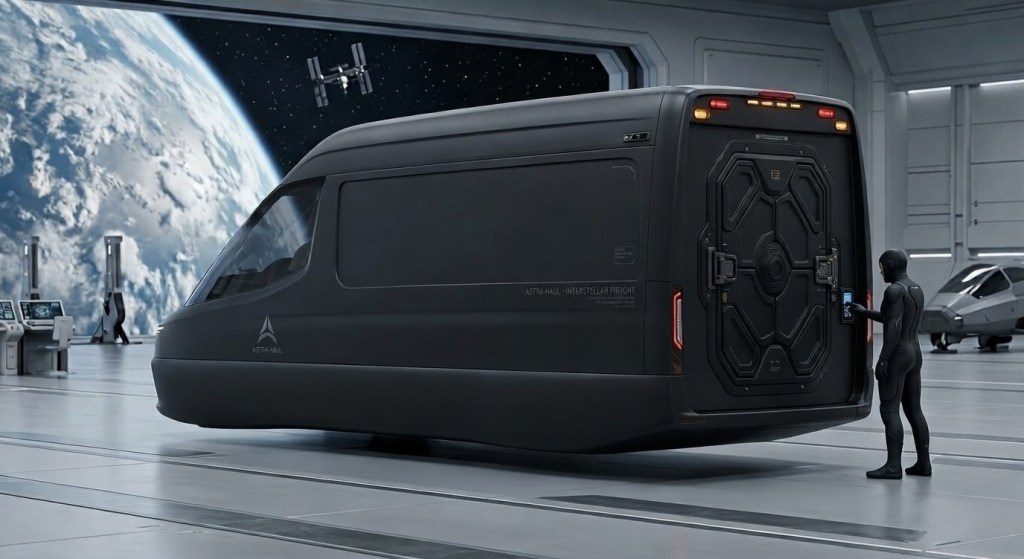
1:48–1:5210(2).pngPan couple → black vehicleTechnology enters the foreground
1:52–1:56f8614edd40c5.mp4 around 0–4.7Flying vehicle materialActual propulsion
1:56–2:0013.pngSlow push toward night ship beneath Milky WayBrief majestic pause
2:00–2:05Ruksa Zila Flythrough.mp4 around 0–5Island approachBegin the big-world run
2:05–2:10Ruksa Zila Flythrough.mp4 around 8–13Waterfall / geological detailContinue movement, change scale
2:10–2:15Ruksa Zila Flythrough.mp4 around 27–32Pool/grotto areaPeople inside the impossible environment
2:15–2:20Ruksa Zila Flythrough.mp4 around 33–38Night promenadeMove toward romance again
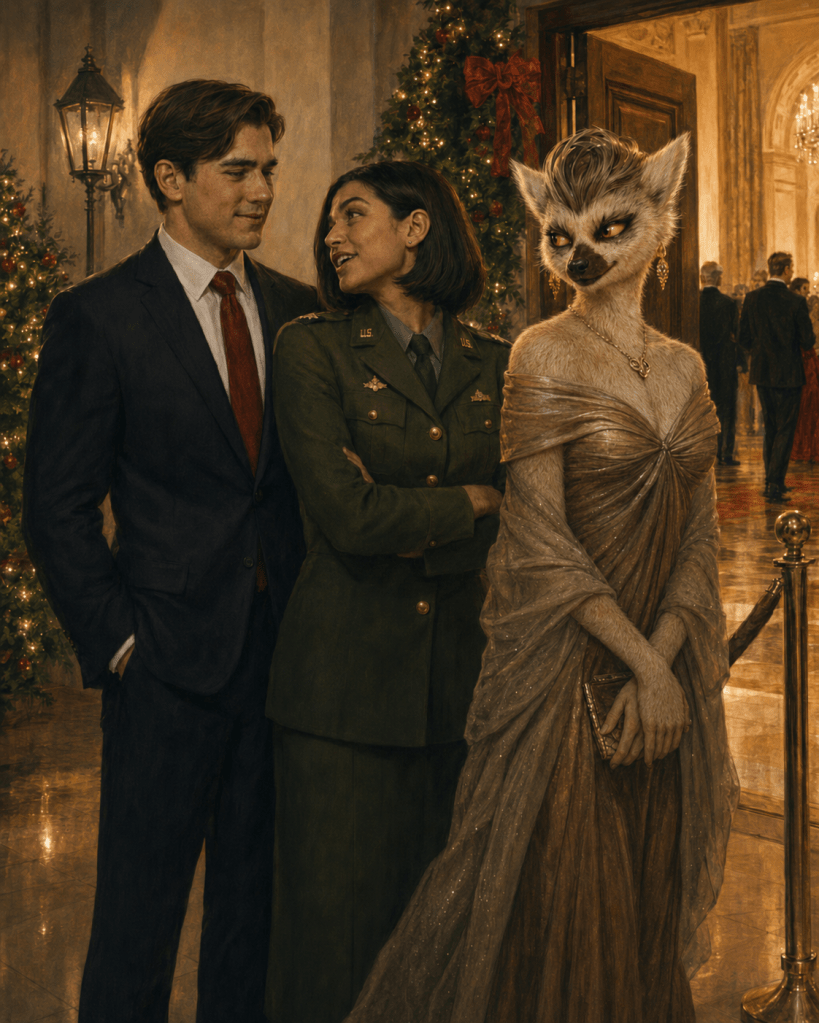
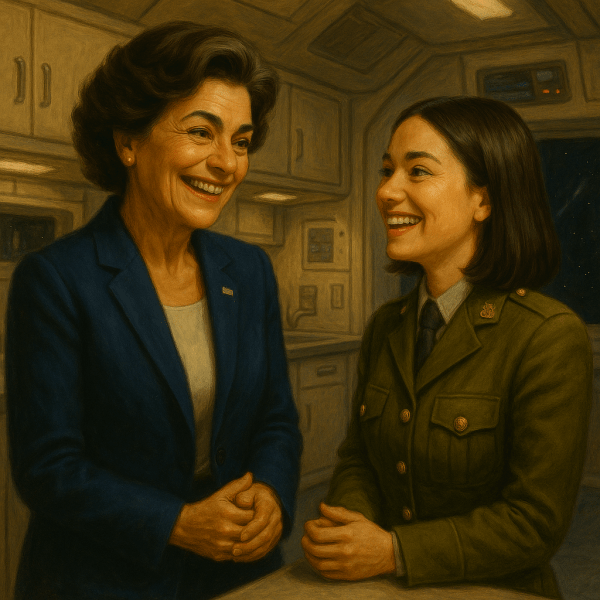
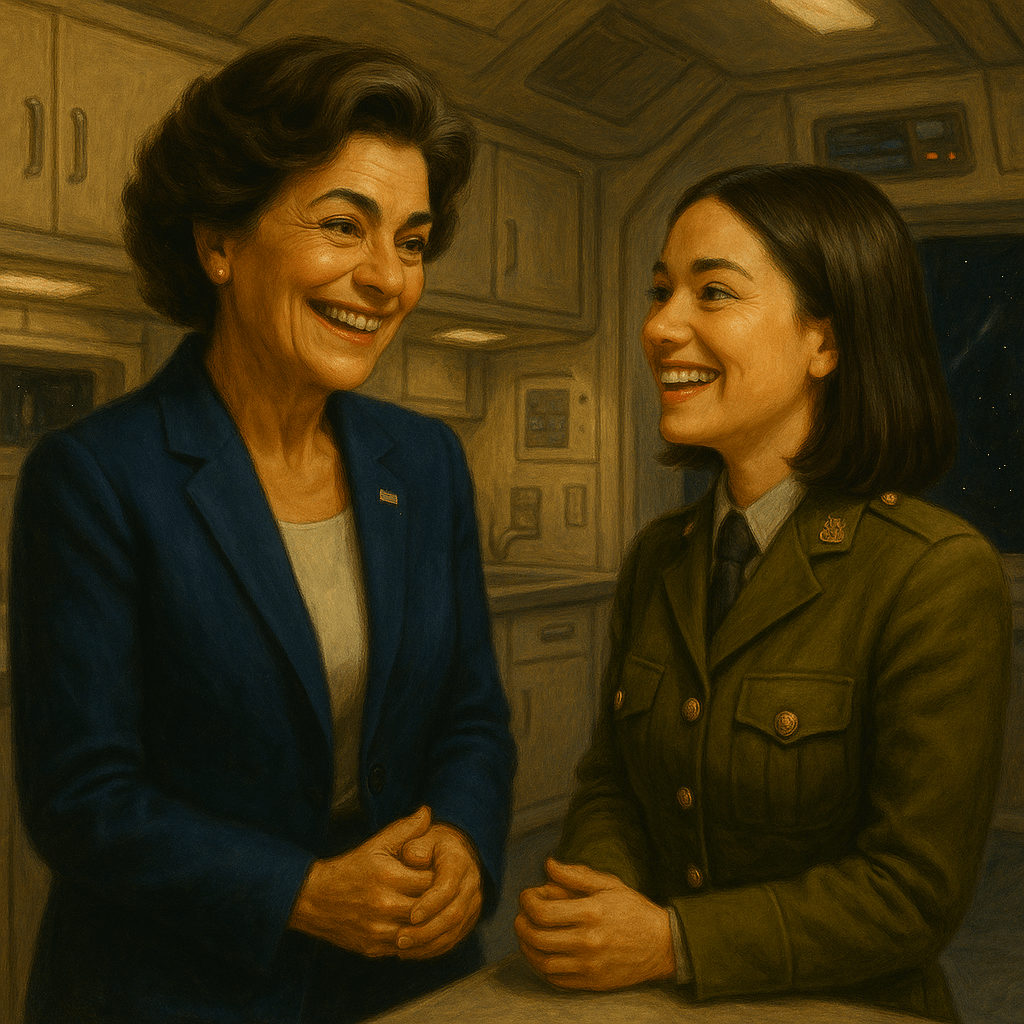
2:20–2:2461a(20260830-022311).jpgPush on older woman adjusting young man’s tie; keep military woman in frameFamily / blessing / continuity
2:24–2:28172.pngVery restrained pushOlder-generation affection
2:28–2:3228(3).pngGentle push on couple at dinnerOrdinary happiness
2:32–2:363(3).pngVertical crop containing all three if possible; slight pushSocial charm / alien normalization
2:36–2:402a(3).pngReturn to Christmas dance, tighter crop than first useVisual refrain
2:40–2:4466.pngSlow push; almost no movement neededCarmen/Brandon payoff
2:44–2:4846(3).pngReverse-direction pan from Carmen/Brandon → young coupleComplete the generational match
2:48–2:5220(2).pngDifferent crop: dog/child/family rather than arrivalLife beyond the romances
2:52–2:56Floating_island_mansion_drifts_o…_202608301805.mp4Different section/crop from first useFinal spectacle build
2:56–3:008(4).png or Minimax 1.mp4Grand centered island, slow pull backThe whole impossible world
3:00–3:07Hailuo_Video_443955602984333320.mp4 or 384212807443660804.mp4Portrait source fits 9:16 naturally; freeze last clean frame if necessaryBook/brand end card

Let’s Make a Music Video ~ Step 4

Prototype!

I am prototyping in Capcut, after finding DaVinci too feature-rich for this project. See the attachment. Clip lengths are typically 4 seconds. I would add effects to the stills, except Capcut demands a pro subscription for every effect I’ve tried.

Maroli Tango Showreel ~ First cut

ChatGPT replied:

I watched the 43.8-second prototype. It is already answering an important question: the concept works without elaborate effects. The switch between genuinely moving material and strong chapter illustrations does not bother me. What makes the stills feel like stills is not the absence of flashy effects; it is simply the absence of camera motion.

The opening is particularly good. Holding the floating estate through roughly the first 8 seconds gives the instrumental intro its own visual idea, and then the first character image arrives as the song becomes human. I would keep that basic logic. Later, the long estate-motion section around 22–32 seconds gives the eye a useful reset before returning to characters.

I would not buy CapCut Pro merely for effects. For this project, most of the effects it is trying to sell you would probably cheapen the material anyway. What we want is ordinary cinematography: push in, pull back, pan, reframe.

You can do that with free keyframes

On a still in CapCut Desktop, select the clip and use the diamond keyframe controls beside Scale and Position in the Video/Basic transform controls. Put a keyframe at the beginning, move to the end of the four-second clip, change the scale or position, and CapCut interpolates the move.

For this material I would use only about four moves:

  • Slow push-in: start at the normal crop and end about 6–10% tighter. Best for faces and intimate scenes.
  • Slow pull-back: begin fairly tight and reveal the environment. Good for the fantastic-world images.
  • Lateral reveal: keep scale essentially fixed and slide the frame slowly sideways. Very useful because we’re converting wide chapter art to 9:16.
  • Two-shot pan: deliberately travel from one character/group to another. Use this sparingly when the original wide image actually contains two visual beats.

No preset animation or “effect” is needed.

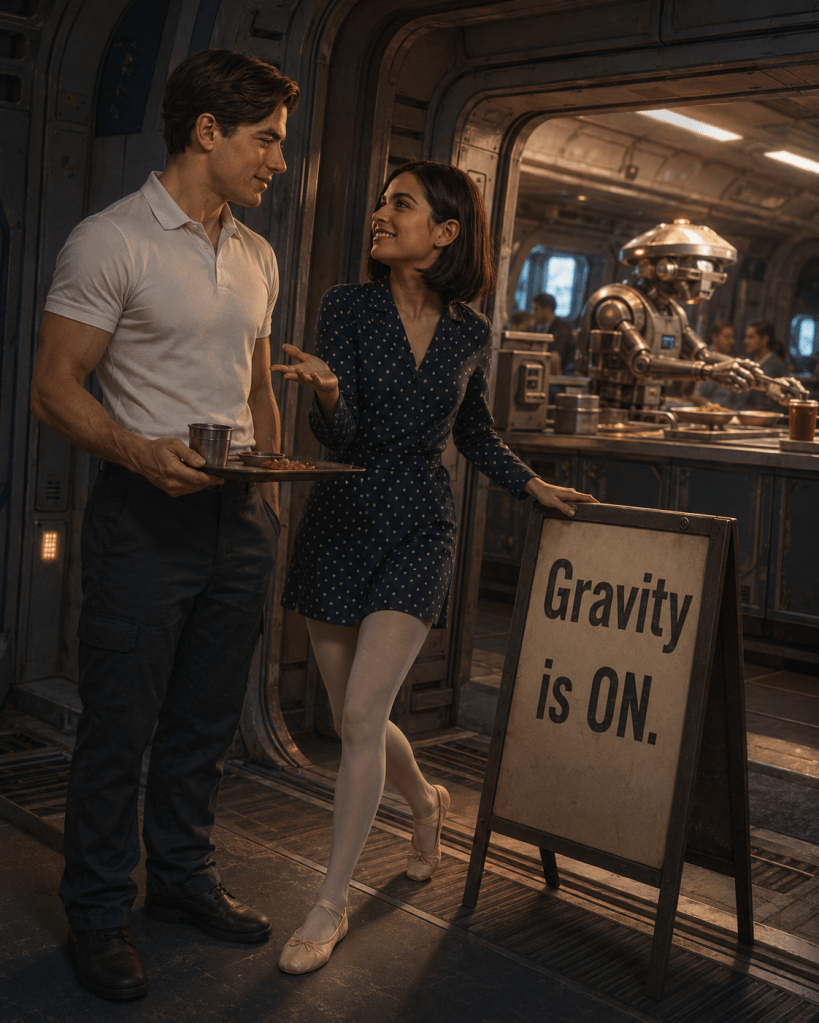
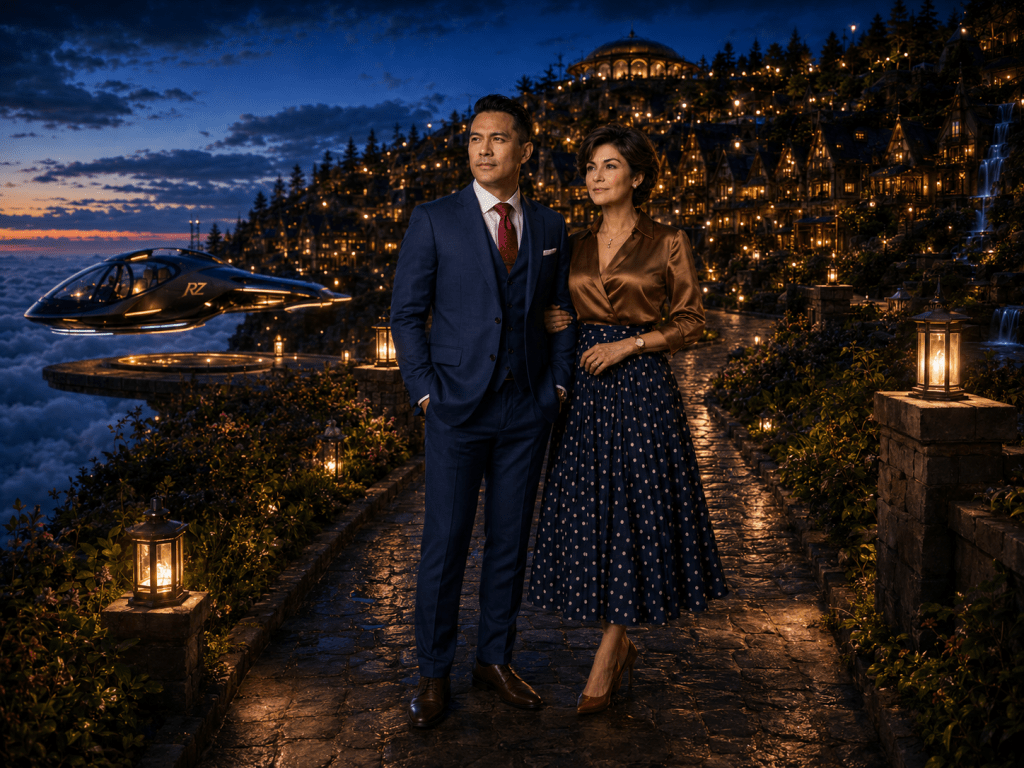
The Carmen/Brandon dance in your prototype, for example, wants a very small push toward their faces. The party image immediately after it could begin on the young couple and drift toward the Anye woman. The city-at-night Carmen/Brandon shot near 33 seconds could begin slightly wider and creep inward. The Gravity is ON image is almost made for a slight upward move from the sign toward their faces.

There is another free trick I like even better

Cut one still into two shots.

Instead of four seconds of continuous zoom, duplicate the image:

2.0 sec: medium composition
2.0 sec: hard cut to a tighter crop

That creates synthetic “coverage” from one illustration. On this Hall & Oates track, a punch-in on a musical accent can look much more intentional than a fancy transition.

For a landscape frame converted to vertical, we can also do:

2 sec: crop on character A
2 sec: cut to character B
2 sec: wider environmental crop

One illustration has suddenly supplied three shots.

I would mostly use hard cuts

The music is rhythmic enough to carry them. Fancy wipes, zoom transitions, light leaks and so forth aren’t necessary. In fact, the polished cinematic artwork benefits from plain editing.

A few dissolves may be useful for quieter affectionate material, but even those can be made manually with opacity keyframes if CapCut decides to put the transition you want behind Pro.

Your four-second default is good—but vary it

At 3:07, a rigid four-second cadence would give us about 47 shots. That’s actually close to the amount of material we have, but I wouldn’t let it become clockwork.

I would use roughly:

3–5 seconds for most stills
5–8 seconds for particularly good motion clips
1.5–2.5 seconds for comic/detail inserts
8 seconds occasionally when the music itself gives us a natural sustained passage, as your opening does

That creates apparent acceleration and deceleration without needing effects.

The current prototype illustrates this nicely. The cuts I see are approximately 8.2, 12.3, 16.3, 21.8, 31.8, 34.8, 37.8 and 42.9 seconds. The later sequence naturally becomes quicker. That’s much better than forcing every shot to four seconds.

One adjustment I’d make now

The roughly 10-second moving-estate passage at 21.8–31.8 is beautiful, but in the finished piece I suspect we’ll want either:

  • two different excerpts from that motion source with another image between them, or
  • about 6 seconds instead of 10.

Not because the shot isn’t good, but because an audience starts learning that “moving environment = wait here awhile.” We want motion clips to feel like little rewards that keep arriving unexpectedly.

The 8-second opening is different: it has the special job of introducing the entire universe.

So at this stage I would make the production rule:

Motion clips get actual motion. Stills get camera motion. Effects are optional.

That lets CapCut remain essentially a free assembly tool while preserving the visual quality of the illustrations.

And this prototype makes me more confident about the full 3:07 version than I was from the storyboard alone. It doesn’t look like a slideshow with video clips inserted. With subtle keyframing on the stills, it can read as one continuous visual language.

Let’s Make a Music Video ~ Step 3

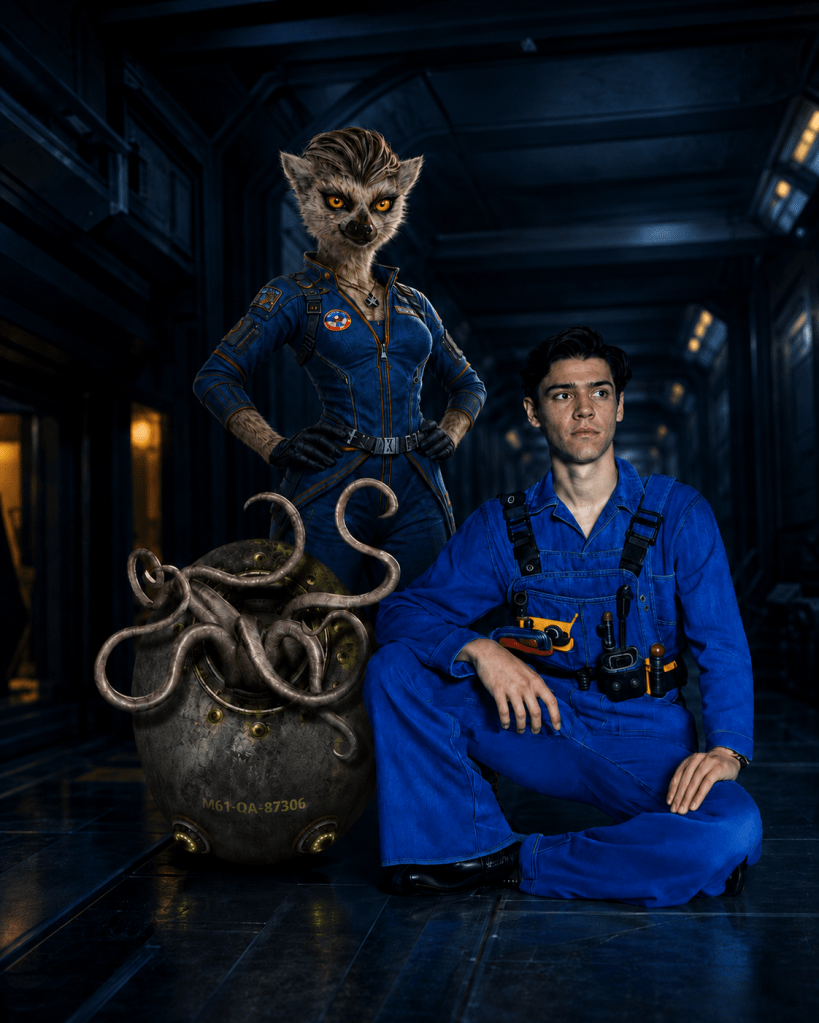
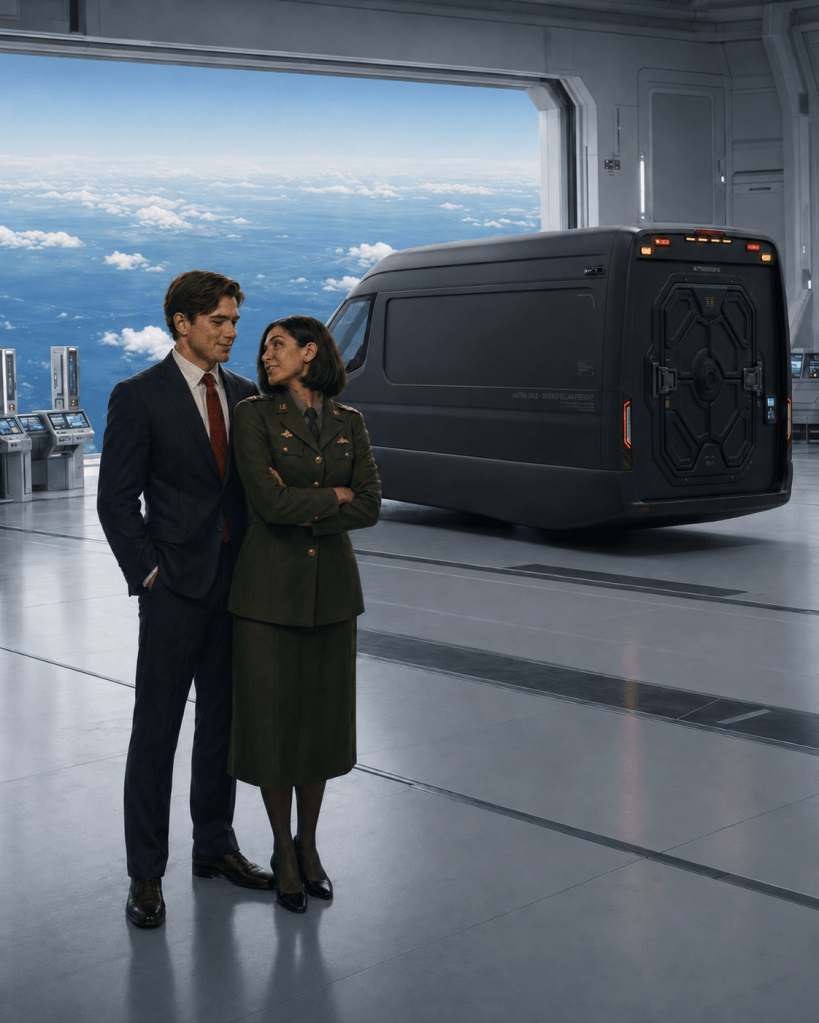
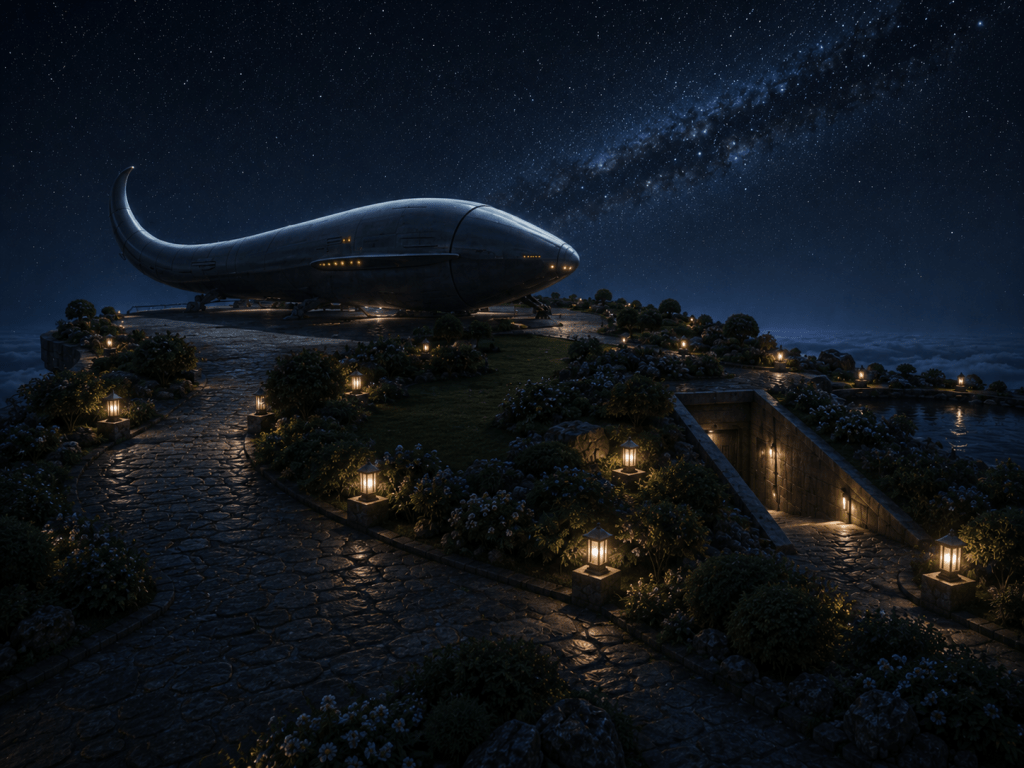
On the third leg of my ChatGPT conversation, I uploaded 20 Maroli Tango chapter illustrations.

See below: 9 of 20. Chatty has assumed we’re making our video the same length as the song. We will get past that.

ChatGPT replied:

This is a very strong first pass. More importantly, it answers a question we hadn’t settled yet: the video does not need much additional artwork. You already have enough emotional and visual range to carry the song.

What I like most is that the catalog isn’t merely “pretty chapter pictures.” It has a progression from courtship and family comedy through enormous science-fiction stakes and back to intimacy. That is exactly what this song needs.

I would think of the catalog in four families.

FunctionParticularly strong frames
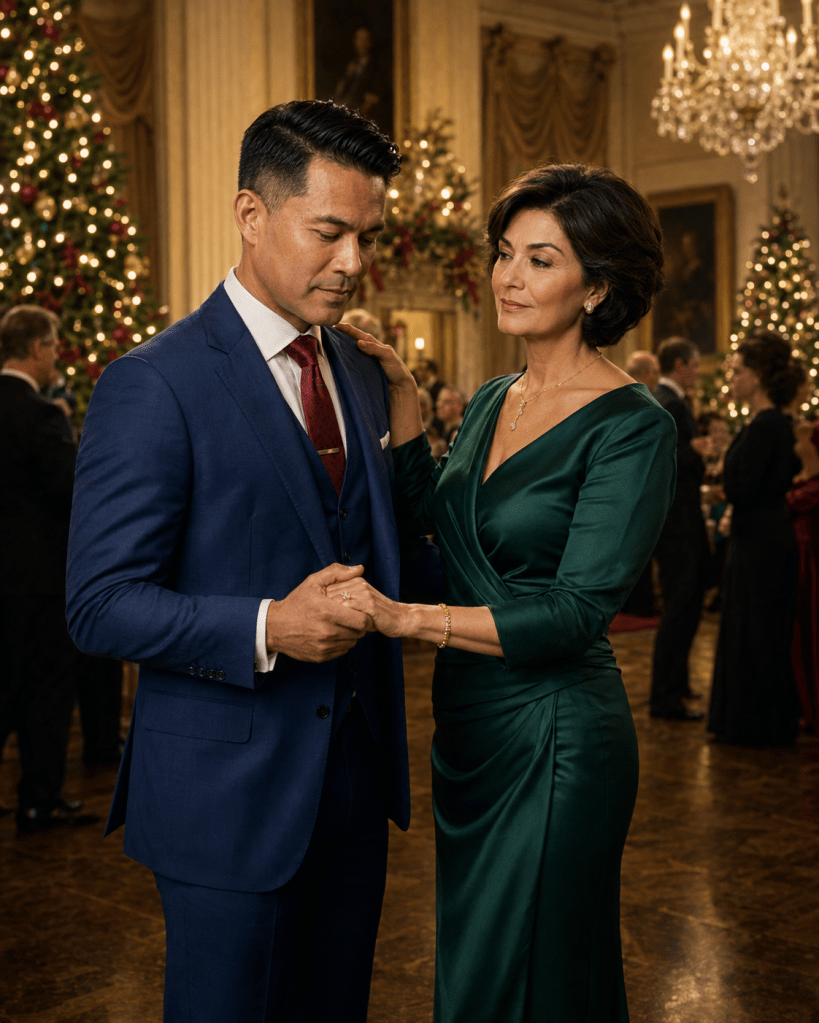
Primary romanceChristmas dance; Carmen/Brandon at the illuminated mountainside city; sunset balcony ensemble
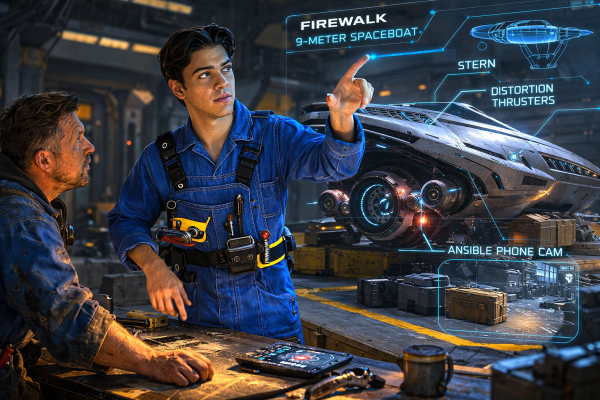
Young romancegalley/“Gravity is ON”; kitchen almost-kiss; orbital proposal; corridor kiss; bedroom-with-dog
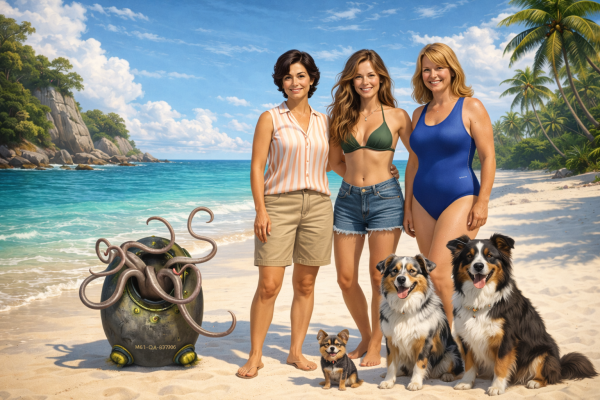
Wonderful strange worldarriving at the coastal estate; Maroli in the library; grotto/pool Maroli; road trip; enormous island/structure
Stakes / authorityCarmen before the micro-nova briefing; tie-adjustment scene; flight-hangar material

Several are obvious hero frames

The Christmas dance is probably our most valuable Carmen/Brandon animation candidate. It already contains everything PAI needs: hands joined, Carmen looking directly at Brandon, Brandon looking downward, background dancers, Christmas lights. A tiny sequence—he raises his eyes, she smiles, their bodies begin a slow turn—would buy us far more than four seconds of spacecraft animation.

The orbital proposal is another. Their faces are already close, the ring box establishes the action, Earth is right behind them. It practically animates itself. I would not ask for a kiss. Something as little as her leaning another inch closer, his expression breaking into a grin, and the station drifting outside the window could be beautiful.

The Carmen/Brandon mountainside-city frame is one of the best still images in the set. Ironically, I wouldn’t necessarily spend PAI money on it. A slow editorial push-in with a little parallax could be enough. The scenery already supplies motion psychologically.

The micro-nova auditorium is important because it prevents the video from becoming merely a romantic scrapbook. One 2–3 second appearance of Carmen walking through that room tells us: Oh. She has a job, and apparently the job is saving civilization. The cheerful song playing over it makes the juxtaposition better.

And the giant coastal structure at the end is a terrific scale shot. That is the sort of image I’d use late, probably during the final musical run—not as the ending itself.

The comedy is much more valuable than I expected

The dachshund/golf-cart picture is gold.

So is “Gravity is ON.”

So are the dog images generally.

They give the song permission to be Hall & Oates. Without those, the stately costumes, palaces, uniforms and existential danger could make the edit feel too reverent. These pictures say, yes, this universe is enormous; people still have dogs and embarrass themselves.

I would absolutely include the golf-cart image, perhaps for only one or two seconds. It doesn’t need animation at all. Drop it precisely on a musical accent and get out.

Likewise, the road-trip image with the dog between the two aliens is excellent montage material. It expands the universe while remaining utterly ordinary.

You also have a nice recurring motif

I hadn’t appreciated this until seeing the images together:

touch.

Hands joined dancing.
Woman’s hand on a shoulder.
Hands held on the balcony.
Tie being straightened.
Near-kiss.
Ring offered.
Kiss.
Embrace.
Dog being petted.

That’s a visual motif we should exploit deliberately. The song is about someone transforming ordinary existence through affection, and your illustrations repeatedly communicate intimacy through hands rather than grand romantic gestures.

We could cut several of those together almost as match cuts.

One production issue: aspect ratio

The first few images are portrait-format while much of the later material is landscape.

That is manageable, but we should settle on 16:9 landscape for the finished video before spending any PAI credits.

For the vertical frames, I would not simply pillarbox them. We can:

  • crop them into medium shots;
  • use a slow vertical pan;
  • occasionally use a moving enlargement of one portion of the composition;
  • or, for an especially important PAI candidate like the Christmas dance, create a 16:9 extended start frame first.

That last option might be worthwhile for the dance because the background ballroom is easy territory for image extension.

The stylistic variation doesn’t bother me

Some frames are very photographic, some more painterly, and the sepia café image is substantially different.

Normally that would concern me. Here I think it can work if we make it intentional.

The sepia café picture in particular reads almost like memory or family history. I wouldn’t try to disguise that. Give it a brief appearance as a visual aside, perhaps paired with another historical-feeling image.

What we should avoid is random alternation:

photoreal → painterly → photoreal → sepia → photoreal.

Group related aesthetics into little runs and the viewer will accept them as deliberate changes of register.

I would revise our PAI budget already

Seeing these, I don’t think we need nine animations.

I would initially reserve credits for only about six:

  1. Christmas dance — 5 sec
  2. Young couple playful galley scene — 4 sec
  3. Orbital proposal — 5 sec
  4. Maroli movement — 4 sec
  5. One spectacular vehicle/world-motion shot — 5 sec
  6. Final emotional character shot — 5 sec

That’s only about 28 seconds committed.

Keep 12 seconds in reserve.

That’s important because once we assemble a rough music edit from stills, it will reveal exactly where the video feels dead. Then we spend the remaining PAI credits on the gaps rather than guessing now.

And quite a few of these frames don’t need generative animation at all. The sunset balcony, the giant structure, Carmen before the briefing, the embrace, the bedroom, the dogs—musical editing and a subtle push or pan will do most of the work.

One thing I would change from my earlier concept

I previously imagined Carmen/Brandon as the clear spine with Mason/Marie as a secondary mirror.

Looking at this catalog, I think the video can be more ensemble-romantic than that.

Carmen and Brandon still give it thematic authority, but the visual thesis now looks more like:

Everybody has somebody. Everybody has somewhere they belong. This ridiculous universe is worth keeping.

That gives us permission to jump among generations, species, relationships, families, dogs, Maroli and enormous machines without the viewer needing to know the plot.

And that is an excellent fit for You Make My Dreams.

I would call this catalog well beyond proof-of-concept. We now have enough material to start an actual edit map rather than continuing to collect indiscriminately. The next useful pass is to number these twenty frames in their current order and assign each HERO / SUPPORT / COMIC / STAKES / WORLD / HOLD, then begin arranging them against the song structure.

Okay, audience — Let’s talk about how long this video ought to be. Tell us in the comments.

Let’s Make a Music Video ~ Step 2

The song is You Make My Dreams by Hall and Oates

ChatGPT replied:

Perfect. That song points us toward a romantic, exuberant “this is why the world is worth saving” video, not a synopsis.

The original Voices version runs about 3:10, so we have enough room for perhaps 35–45 distinct edits, but probably only 18–25 genuinely animated source shots if we reuse some intelligently through crops, speed changes, and alternate camera moves. (Spotify)

The central conceit I’d use is:

An extinction story edited as a love song.

That fits Maroli Tango beautifully. The cosmic threat is present, but the song keeps insisting visually that civilization is made out of people who are delighted to be alive.

Continue reading “Let’s Make a Music Video ~ Step 2”

Let’s Make a Music Video ~ Step 1

Let us plan a music video built from Maroli Tango chapter illustrations. We will select start frames and task PAI Studio with animation and assembly.

ChatGPT replied:

The chapter illustrations are unusually well suited to this because they already function like cinematic keyframes. Rather than asking an image-to-video model to invent scenes, we can treat each illustration as a deliberately composed start frame and give PAI Studio narrowly constrained animation jobs.

I’d build the project in five passes.

1. Treat the song as the master timeline

Before choosing pictures, we map the finished music track into structural beats: intro, verse, lift, chorus, bridge, instrumental passages, final escalation, outro.

For each section we decide whether the visual should be:

  • narrative — recognizable events from Maroli Tango
  • character — Carmen, Brandon, Mason, Marie, Suban, etc.
  • world spectacle — ships, Virtuality, Dust Cloud Spiral, Washington, Jivada
  • emotional punctuation — a look, embrace, confrontation, isolation, revelation
  • kinetic transition — drone flight, spacecraft departure, city movement, camera travel

That keeps the video from becoming an illustrated chapter summary. It should feel like the emotional memory of the novel set to music.

2. Build a start-frame library

We go through the existing illustrations and classify them roughly like this:

TypeBest animation treatment
Close character shotbreathing, eyes, hair/fur, subtle expression, camera creep
Two-character dialoguerestrained body motion, glance changes, parallax
Interior scenecamera push/dolly, AR displays, environmental motion
Exterior citytraffic, atmospheric movement, signs/light, slow camera
Spacecraftcamera orbit, translation, atmospheric haze, distant traffic
Action imagestronger camera movement, debris, weapon effects, character movement
Virtuality/surrealtransformation, impossible camera travel, environmental morphing

Some images will make excellent 4–6 second shots. Others may support 8–10 seconds if there is enough depth.

A critical rule: don’t animate everything. Models get worse as the requested motion becomes more complicated. We want the existing illustration to remain recognizable.

For example:

Carmen doesn’t need to walk across a room.
She may only look toward Brandon while the camera moves slowly around her.

That can look much more expensive than attempting full-body performance.

3. Write animation directions as shots, not prose

For every selected start frame, we’ll create a compact production card.

Something like:

SHOT 17 — Carmen / White House

Duration: 5.5 sec
Start frame: Carmen chapter illustration
Camera: slow 15-degree arc right, slight push-in
Subject: Carmen remains nearly still; subtle breathing; eyes shift toward someone offscreen
Environment: curtains move faintly; distant city lights shimmer
Mood: controlled anxiety, private rather than presidential
Continuity constraints: preserve face, age, wardrobe, hairstyle, room architecture
Avoid: dialogue mouth motion, exaggerated head turn, new objects, costume changes

The important distinction is that we’re telling PAI what may move and what must not change.

For character continuity, I’d repeatedly specify:

  • preserve exact facial identity
  • preserve species anatomy
  • preserve costume
  • no added tails
  • no added fingers/limbs
  • no new characters
  • no text mutation
  • maintain illustrated/cinematic realism

Especially with the Anye and Maroli, anatomical restraint will matter.

4. Use the music video grammar to hide AI weaknesses

Rather than producing thirty-second generated sequences, I would favor short deliberate shots, probably averaging around 3–6 seconds.

A very rough rhythm might be:

Quiet verse: 5–8 sec shots
Build: 3–5 sec
Chorus: 2–4 sec
Instrumental/action passage: occasionally 1–2 sec
Emotional climax: return to longer shots

And not every transition needs generative animation. Hard cuts, dissolves, dip-to-black, match cuts, flash frames, and editorial reframing can do enormous work.

We can also reuse a strong illustration in multiple ways:

Shot A: wide composition
Shot B: crop on Carmen
Shot C: crop on Brandon
Shot D: animated full frame

Four visual beats from one piece of artwork without regenerating anything.

5. Give the video an arc independent of chapter order

For Maroli Tango, I would initially explore an arc something like:

I — Wonder
Earth, Anye civilization, Washington, ships, children, strange technology.

II — People
Carmen/Brandon. Mason/Marie. Domestic and human-scale images.

III — Something is wrong
Dust Cloud Spiral, military imagery, drones, meetings, increasingly uneasy expressions.

IV — Collision
Political confrontation, spacecraft, military action, rapid cutting.

V — Choice
Carmen becomes the visual center. The story stops being about whether somebody will rescue Earth and becomes about humanity deciding what it will do.

VI — Release
Large cosmic imagery followed by something surprisingly intimate rather than ending on the biggest explosion.

That would serve the central idea of Maroli Tango particularly well:

the fate of civilizations rendered through the decisions of individual people.


The practical workflow can therefore be:

song → timecoded beat sheet → illustration shortlist → shot order → individual PAI animation prompts → generated clips → assembly → identify weak transitions → create a handful of purpose-built bridge frames → final assembly.

I would resist generating new artwork until we’ve exhausted the existing chapter illustrations. Their consistency is an asset. Once the rough cut exposes an actual missing shot—we need Carmen alone here, we need an exterior of Bharamin here, we need Mason looking upward here—then we make that illustration specifically as a start frame.

The best next step is to give me the song/audio or lyrics. I can then turn the actual track into a shot-by-shot visual treatment and we can start choosing which existing Maroli Tango illustrations belong at each musical moment.

My Robot Speaks Hindi

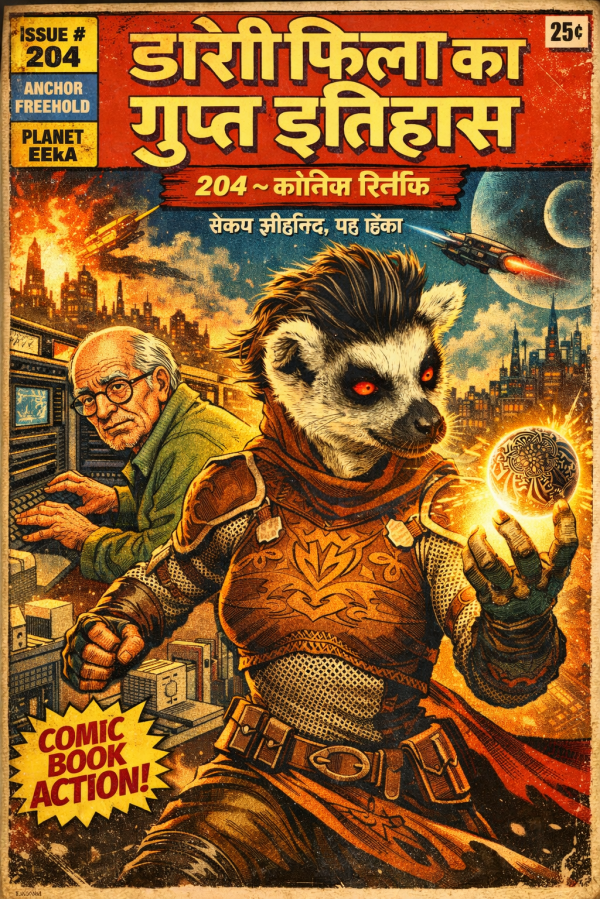
My AI image prompting strategy is often guided by a willingness to let the machine do its thing.

In this case, I gave ChatGPT a reference image, a chapter from the novel, and told it to make a comic book cover with Devanagari titles.

The headline title says (or is supposed to say), “The secret history of Dori Fila.”

Pretty cool, huh?

Here’s the reference image, cover art from The Illusion of Gravity.

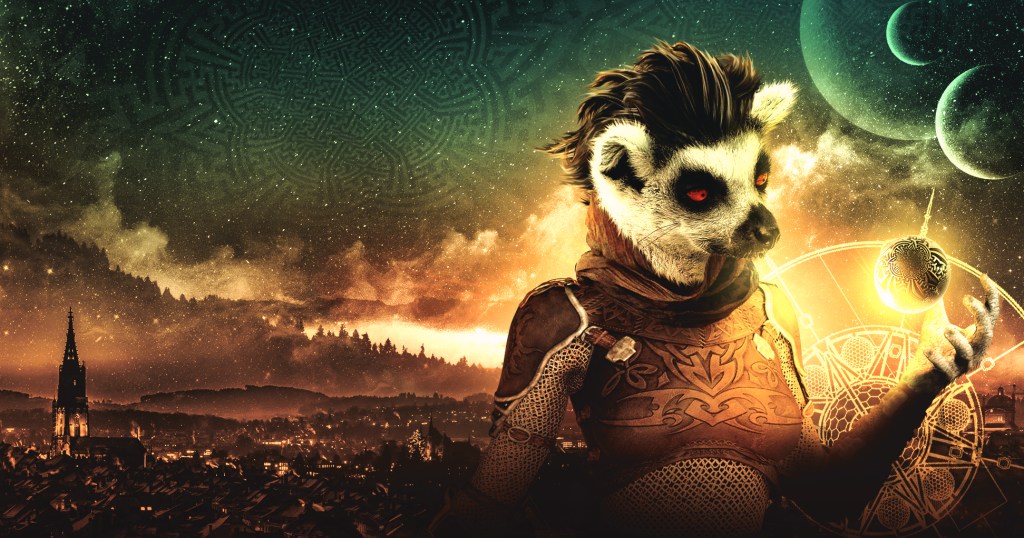
I Made a Video With UtopAI

Considering the effort I put into it, the clip is amazing.

If making movies was easy, beggars would direct.

The clip is out of a pre-release version of UtopAI, on a freebie beta test invitation — and if I were motivated, I could have made better use of the opportunity, or at least different use.

However, what I did was upload Maroli Tango Chapter 1 straight out of the manuscript, plus seven reference images.

This is not what a moviemaker does to prepare for a shoot — not even close.

I spent two-and-a-half hours. Two hundred hours would have been more appropriate.

The outcome is a lot better than anyone should expect. 

Blog at WordPress.com.

Up ↑